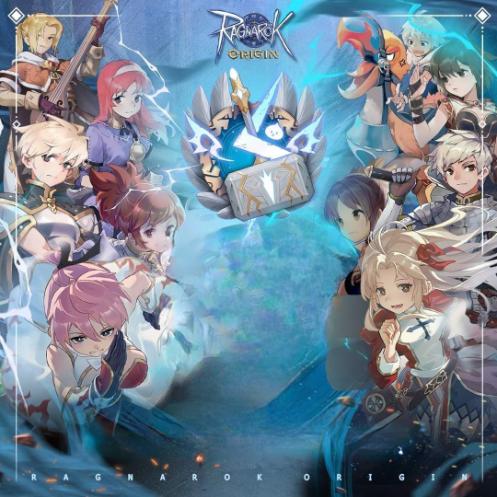
The Ragnarok - Drop Link
Instant
How to Top Up The Ragnarok - Drop link
-
Please log in first using your Apple ID / Facebook / Google
-
Select the Indonesia (IDR) region
-
Choose the Platform, Server, UID, and select OneOne (OOC) Wallet as the payment method
-
Select the desired denomination according to your order, then click Confirm
-
Generate the link, Copy the Link or URL, and paste it into the field we’ve provided
-
Example URL:
https://games.oneone.com/api/northbound/orders/01JXSFG9DWGY8DCP01QH5KG3BT -
Once the payment link is generated, do not modify or edit the link, including filling in any login or password fields, as it may cause the link to expire faster.
- Go to https://topup-mobile.gnjoy.in.th/TheRagnarok/TopUp
- Please login first using Apple ID / Facebook / Google
- Select Indonesia ( IDR ) Region
- Select Platforms, Server, UID and Uni Pin as payment method
- Select the denom according to the order you want then click Confrim
- Login unipin account Mail [email protected] Password : Abcd1234
- Generate link and Copy the Link or URL and paste it into the field we have provided
- Example url https://www.unipin.com/unibox/c/dP5617303715182nhsBx6eT9y7/55

**Nomor ini akan di hubungi Cs/ Admin jika terjadi kendala
Dengan membeli otomatis saya menyutujui Ketentuan Layanan.